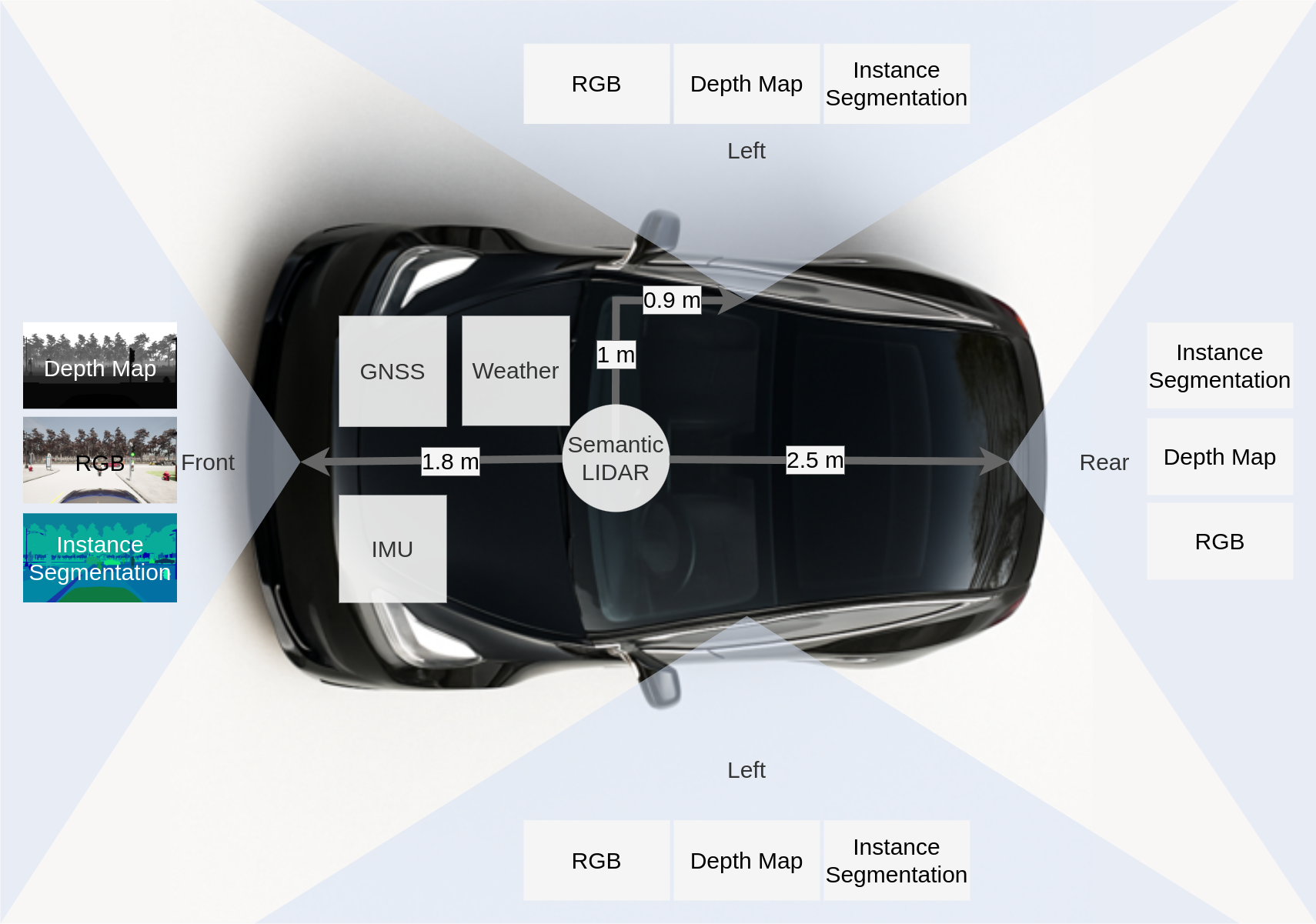
Sensor Setup
For data collection, we attached an array of sensors to the simulated vehicle.
On each of the 4 sides, front, left, right, rear, we attached virtual camera sensors that capture RBG-D data and instance segmentation masks.
Additionally, there is a LiDAR and a GNSS sensor at the center of the vehicle, as well as an IMU.
Furthermore, we capture the weather from the environment, as well as the control commands issued by
CARLAs autopilot.
Directory Structure
carlanomaly/
├── train/
│   ├── scenario-1/
│   └── ...
└── test/
    ├── normal/
    │   ├── scenario-1/
    │   └── ...
    └── anomaly/
        ├── scenario-1/
        └── ...
Cameras
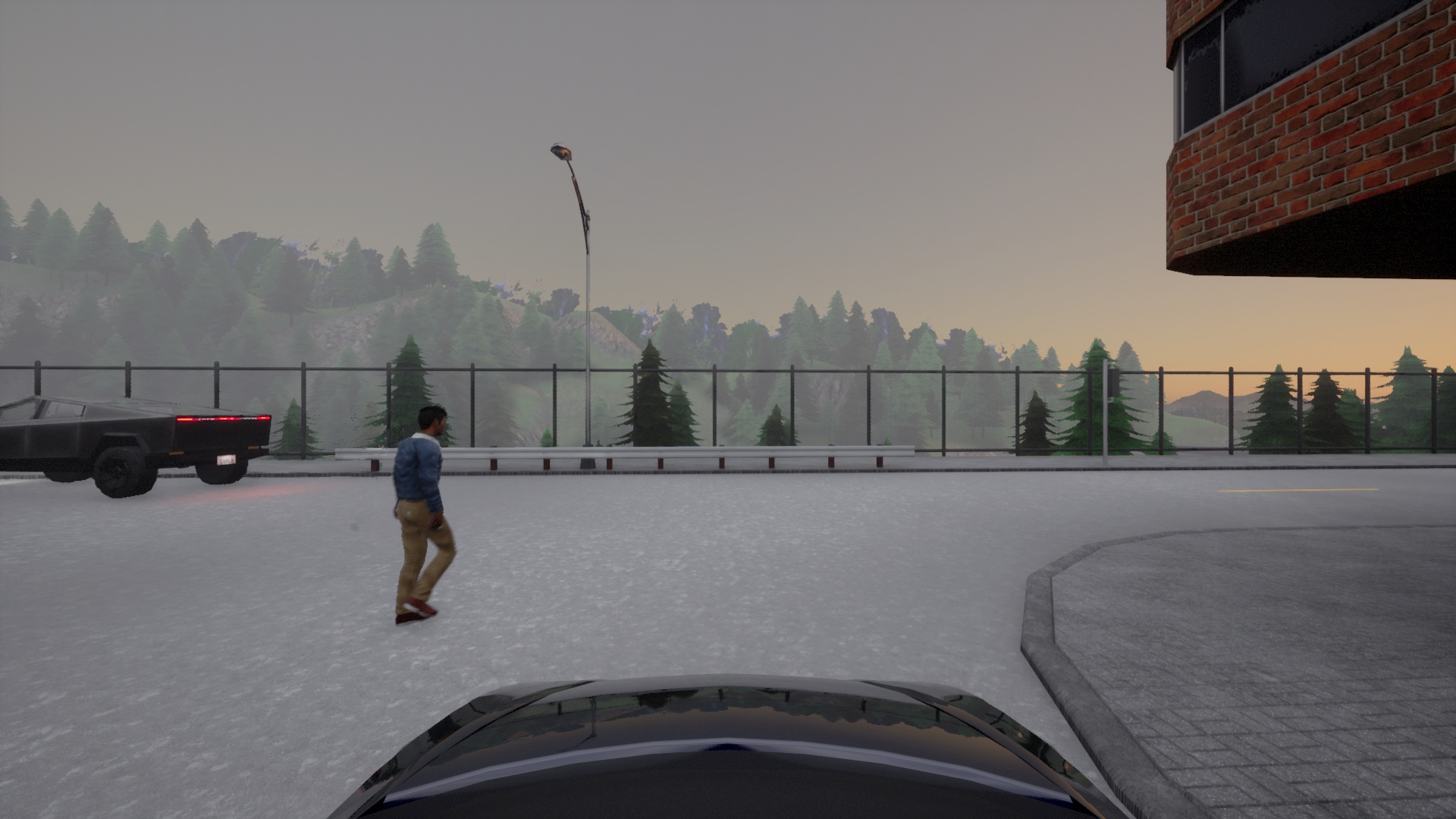
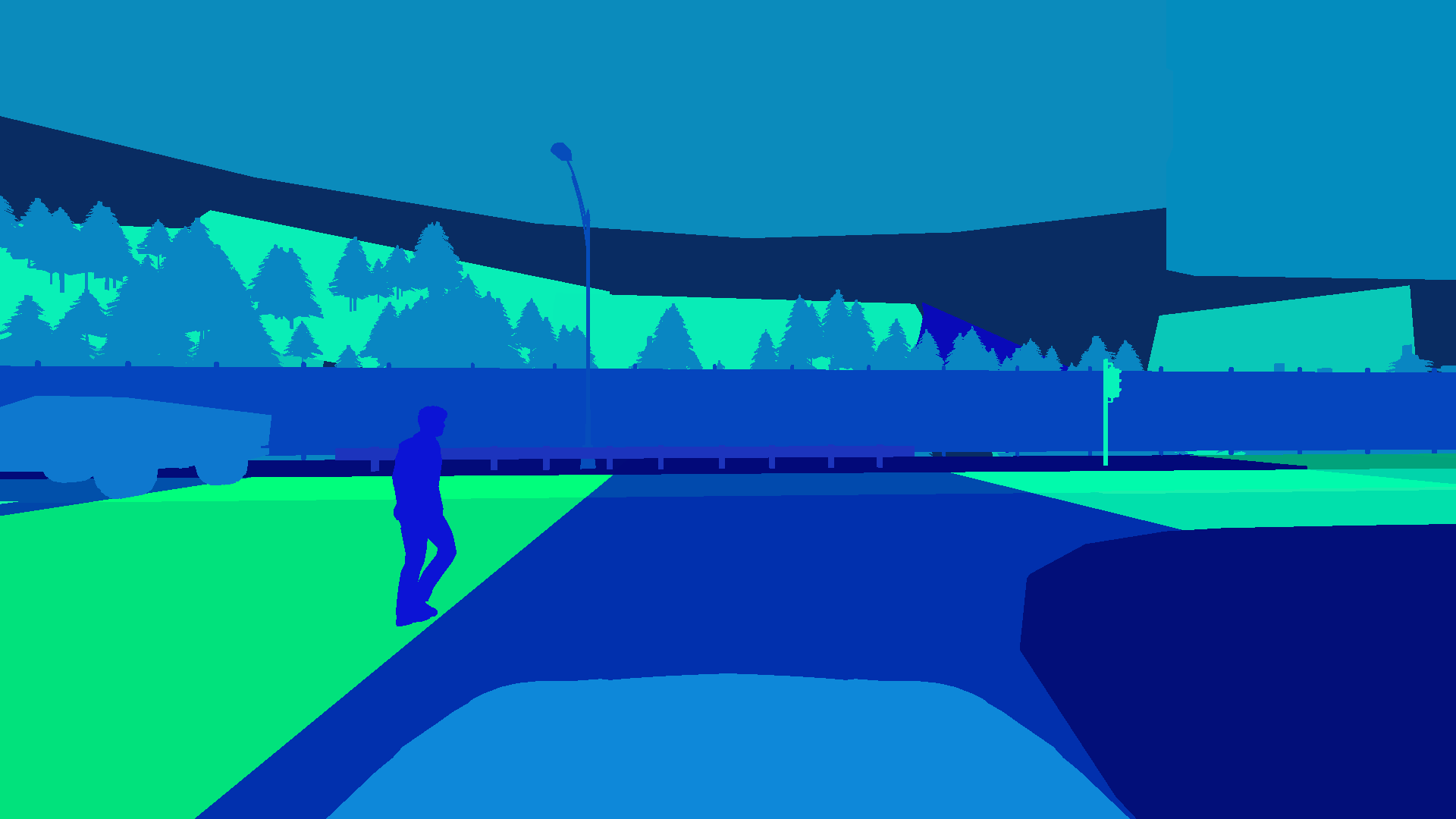
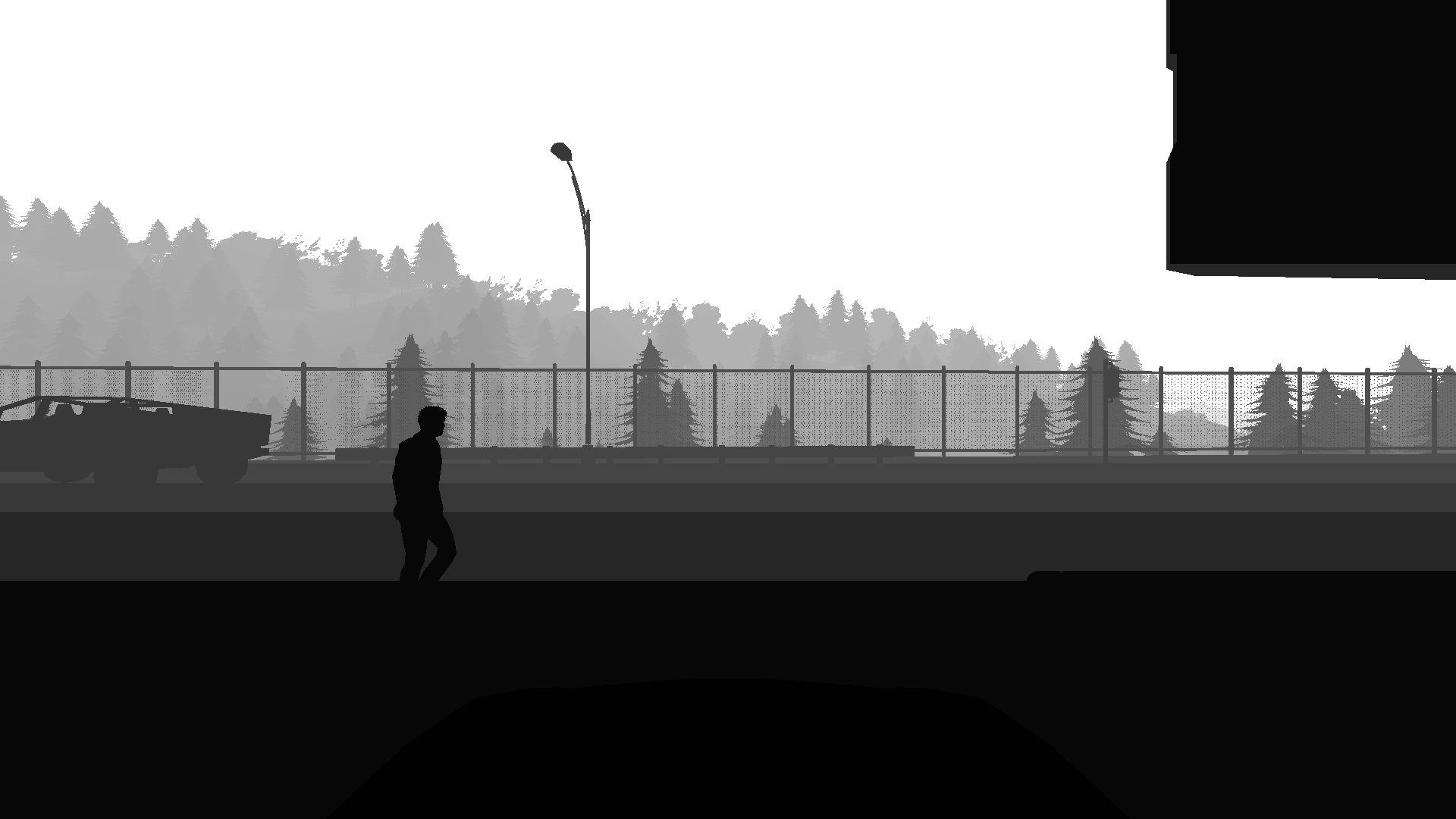
The dataset contains pixel- and instance wise segmentation masks for each object in the scene. Each object has a unique ID. Since these annotations where generated in a simulation, the annotations are perfect.
scenario/
├── rgb-front/
│   ├── 000000.jpg
│   └── ...
├── segmentation-front/
│   ├── 000000.png
│   └── ...
└── depth-front/
    ├── 000000.png
    └── ...
The instance segmentation masks can be loaded as follows:
img = Image.open("segmentation-front/000099.png")

# instance ids are encoded in the G and B channel
id_fields = np.array(img)[:,:,1:3]
instance_ids = np.zeros(shape=(id_fields.shape[0], id_fields.shape[1]), dtype=np.int32)
instance_ids += id_fields[:,:,0]
instance_ids += id_fields[:,:,1].astype(np.int32) << 8

# per-pixel classes are encoded in the R channel
segmentation_mask = np.array(img)[:,:,0]
Semantic LIDAR
Pixel-Anotated LIDAR Pointclouds for each frame with realistic settings.
scenario/
└── pointclouds/
    ├── 000000.feather
    └── ...
These files can be loaded with pandas:
import pandas as pd
# Columns: x, y, z, angle, object_id, class_id
data = pd.read_feather("000000.feather")
KITTI Annotations
Kitti annotations contain 3D bounding boxes and connect them to the camera.
scenario/
└── kitti-front/
    ├── complete_data/
    │   ├── 000000_extended.json
    │   └── ...
    ├── label_2/
    │   ├── 000000.txt
    │   └── ...
    └── calib/
        ├── 000000.txt
        └── ...
Anomaly Annotations
In the CarlAnomaly dataset, anomaly detection can be done on several different levels.
Sample-Level
For cameras the per-pixel anomaly labels are available in a separate directory. Labels are written in a 1-channel PNG where 0 means normal and everything else means anomaly.
scenario/
└── anomaly-front/
    ├── 000000.png
    ├── ...
For LiDAR the anomaly labels are similarly available in a separate directory:
scenario/
└── anomaly-lidar/
    ├── 000000.feather
    ├── ...
The .feather files are serialized dataframes with a column for the anomaly label.
Sensor Level
Sensor-level anomaly labels are given in a .feather file with an anomaly column.
scenario/
└── anomaly-front/
    ├── ...
    └── sensor.feather
└── anomaly-lidar/
    ├── ...
    └── sensor.feather
Observation-Level
In CarlAnomaly, an observation is an anomaly when there is an anomaly in any of the sensors. For convenience, these are also stored in feather format:
scenario/
└── anomaly-observation.feather
The columns are:
anomaly: True or Falsetick: Current frame numberanomaly_obj_ids: List of objects ids for objects considered as anomaliesanomaly_class_ids: List of class ids for objects considered as anomaliesmeta: Metadata
Scenario-Level
These labels are given by the directory.
Additional Data
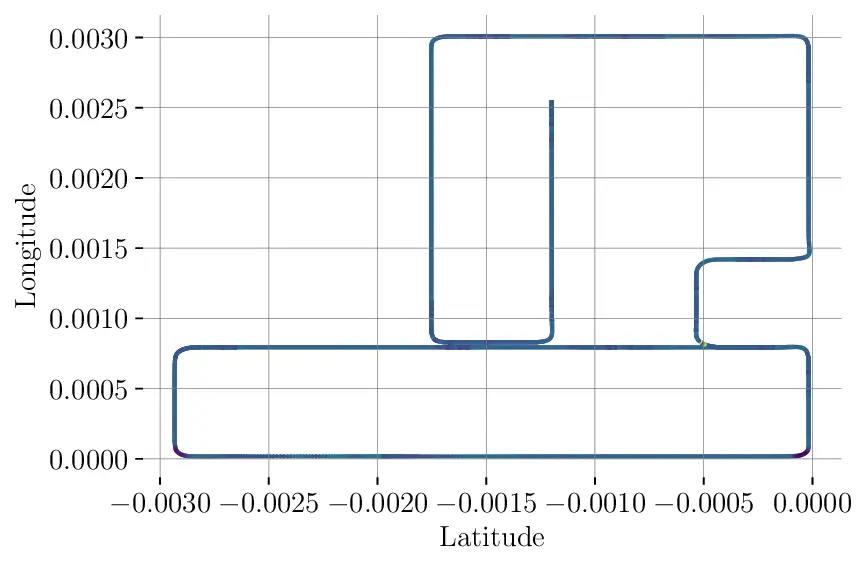
The dataset additionally contains sensor readings for the following sensors in feather format:
- IMU: Measuring acceleration and orientation of the ego vehicle
- GNSS: Measuring position of the vehicle
- Weather: Exact weather conditions
- Actions: Actions executed by the auto-pilot (Note: these are the actions that are executed by CARLAs traffic manager after the last frame)
- Collisions: List of collision events. There can be multiple collisions per frame.
scenario/
├── gnss.feather
├── imu.feather
├── weather.feather
├── collisions.feather
└── actions.feather
You can simply load these as pandas dataframes.
Example: IMU
import pandas as pd
weather = pd.read_feather("imu.feather")
The per-frame IMU readings look as follows:
| index | acceleration_x | acceleration_y | acceleration_z | compass | longitude_x | longitude_y | longitude_z |
|---|---|---|---|---|---|---|---|
| 0 | -1.31 | 0.00 | 9.73 | 3.16 | -0.00 | -0.02 | -0.01 |
| 1 | 5.58 | -0.02 | 9.82 | 3.16 | -0.00 | -0.01 | -0.00 |
| 2 | 5.90 | -0.00 | 9.82 | 3.16 | -0.00 | -0.01 | -0.00 |
| 3 | 6.19 | -0.01 | 9.82 | 3.16 | -0.00 | -0.00 | -0.00 |
| 4 | 5.90 | -0.01 | 9.81 | 3.16 | -0.00 | -0.00 | -0.00 |
| 5 | 4.71 | -0.01 | 9.81 | 3.16 | -0.00 | 0.00 | -0.00 |
| 6 | -0.01 | -0.10 | 9.82 | 3.16 | -0.00 | 0.01 | -0.01 |
Example: Global Position